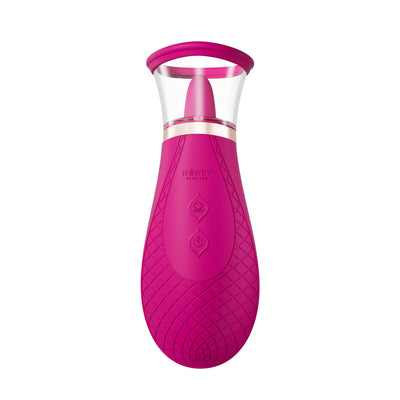
G-spot


 Introduction
 Download
Cam Model VibeSync Tutorial
1.
Download and install "VibeSync".
2.
Connect the toy:
Option 1: Connect the toy via VibeSync.
(1)

Open "VibeSync" and click "Add Toy(s)" below
(2)

Click the "Connect" button below the toy card to pair the toy.
(3)

The toy is connected.
Option 2: Connect the toy via WEB Vibe Connect.
(1)

Click "Vibe-Connect Cam Extension" in the browser's extensions section.
(2)

Log in to your Vibe-Connect account.
(3)

Click "Add Toy(s)" on the right side of Vibe-Connect.
(4)

Click the "Connect" button on the right side of the toy card to pair the toy.
(5)

The toy is connected.