G-spot


 Introduction
 Download
Elevate Your Camming Experience
Get started in minutes with a quick and easy setup.
 Windows
 Mac(Intel)
If you prefer to use Google Chrome or Microsoft Edgebrowser, download Vibe-Connect Cam Extension instead
 Google Play
If you prefer to use Google Chrome or Microsoft Edgebrowser, download Vibe-Connect Cam Extension instead

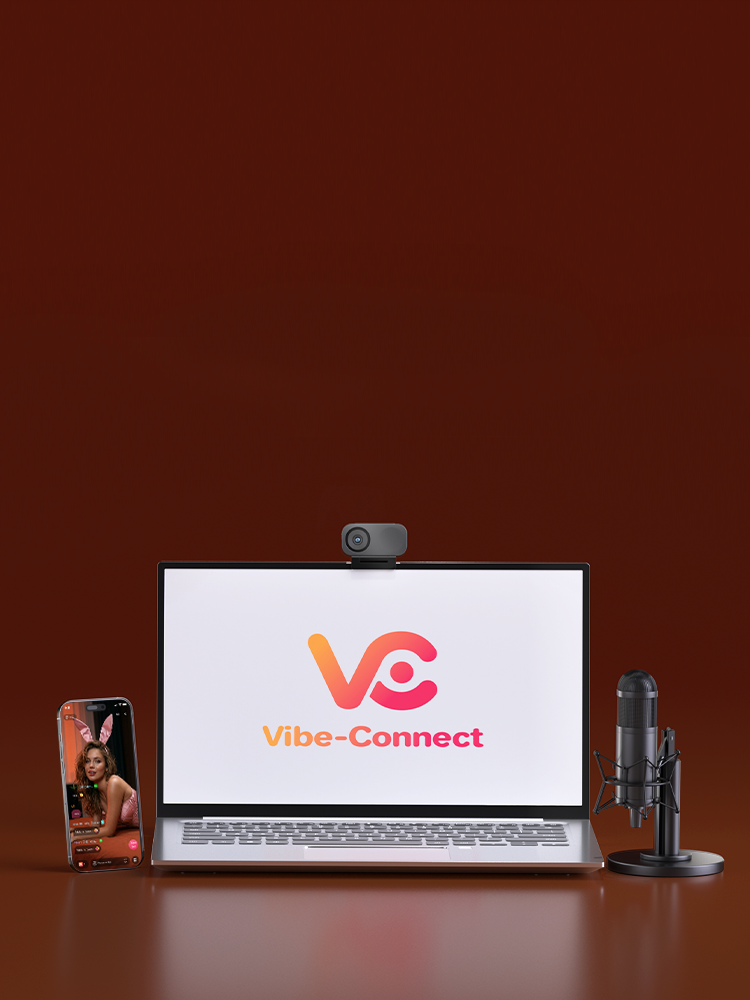
How to Control Your Toy — Step-by-Step Video Guide
- Step 1: Log In to the Vibe-Connect PC App
- Step 2: Connect Your Toy to Your PC
- Step 3: Add a Cam Site
- Step 4: Set Up Your Tip Rules
- Step 5: Start Streaming
- Step 1: Log In to the Vibe-Connect Mobile App
- Step 2: Pair Your Toy with Your Phone
- Step 3: Add a Cam Site
- Step 4: Set Up Your Tip Rules
- Step 5: Start Streaming
- Step 6: How to Share Your Control Link
From your first stream to your highest earnings, we've got you covered.

Professional-grade gear built for streamers

Fast shipping so you never miss a stream

Expert support from fellow streamers

Exclusive deals and creator partnerships


As Seen On


FAQ
Vibe-Connect is designed for cam models to deliver high-interactivity shows. It integrates real-time toy syncing, animated tipping features, and multi-platform support—making it easy to boost viewer engagement and earnings.
Yes. Vibe-Connect is Honey Play Box's strategic partner, bringing interactive camming toys and cam models closer than ever before. Honey Play Box recommends their own app-controlled sex toys for use on the platform due to their compatibility and performance with the Vibe-Connect system.
Vibe-Connect offers:
- Built-in OBS
- A customizable gift animation system
- VIP alerts
- A gamified task-based tipping system
- Integrated Chatbox
- Real-time syncing with sex toys to drive performance-based earnings
Yes. Vibe-Connect recommends Honey Play Box toys, fully optimized for interactive features including tip-triggered responses and tiered gift animations.
Viewers send token-based gifts (1 to 500+ tokens), which unlock escalating visual animations and stronger toy vibrations. The higher the tier, the more immersive the experience for both the model and the audience.
Yes. Streamers can create missions—like unlocking a special performance—using Vibe-Connect's task-based tipping feature. Viewers can track progress via the Love Meter, adding excitement and incentive.
Vibe-Connect includes:
- VIP Entry Alerts
- Top Tippers Leaderboard
- Fan Club Shoutouts
- Integrated chat with message filtering and tip highlights
All designed to maximize interactivity and fan engagement.
Yes. Vibe-Connect is completely free to use and includes premium performance tools with no hidden fees. Just connect your gear, set up your stream, and start engaging your audience.
Vibe-Connect supports popular camming platforms, including:
Joystick.tv, Chaturbate, CamSoda, Camversity, MyFreeCams, and more.
- Open the Vibe-Connect app — [Download here].
- Enter your username and password (Password must be 6–18 characters, cannot contain 3 or more consecutive numbers/letters, and cannot include special characters such as spaces, tabs, or line breaks)
- Click Log in - If you don't have an account, click Sign up to register
- After logging in, click Connect Your Toy in the top right corner
- Connect the USB Bluetooth adapter to your Windows computer
- Turn on your toy and wait for its light to flash.
- Find your toy in the device list and click Connect - Once connected, the toy's name and status will be displayed
- Go to the Chatbox - Click the Generate Control Link icon
- Select the validity duration
- Copy the link and share it with your trusted partner
- Once they click the link, they can start controlling your toy
- In the Cam Site menu, click to add a platform (Chaturbate, Joystick, etc.), then click Stream - Enter your platform login credentials or authorization code- Set up your tipping rules- Click Save and return to the main interface.
- Go to the OBS Control page and enter the OBS WebSocket address and port
- Make sure WebSocket is enabled in OBS
- In Vibe-Connect, link tips/triggers to OBS scenes
- Click Save — scenes will now switch automatically during streaming
- Ensure the toy is charged and powered on
- Check that Bluetooth is enabled and not occupied by another app
- Restart Vibe-Connect and try again
- Restart your computer/phone if the issue persists
- On Windows PCs, check if the USB is properly inserted and not in use
- If needed, unplug and reinsert the USB
- Click Disconnect in the control interface - Or turn off the toy / exit Vibe-Connect - Control links automatically expire after 2 hours
- Open the Settings menu (top right) and select Language - Select the desired language from the dropdown
- Click Save to apply the changes
Yes. The built-in OBS works smoothly without extra plugins or setup.
- Ensure no third-party OBS plugins are installed to avoid conflicts
- Avoid plugin conflicts in streaming settings
- Use a clean installation of OBS when possible
Not yet. Vibe-Connect is currently an all-in-one standalone software. Separate extensions and plugins are in development.
- Open the MyFreeCams live page and log in
- Click Import in Vibe-Connect
- MFC requires being logged in before streaming info can be read
- Tip simulation is not supported on the control side
- Ensure Vibe-Connect is running and the cam site live page is open
- Confirm the plugin captures tips and chats correctly
- Verify that tip rules are saved
Yes. Vibe-Connect supports multi-toy connections. You can switch toys mid-stream, but update the Tip Rules for the new toy.
- Yes, Vibe-Connect and Stream Master can run together without conflict
- However, they cannot stream to the same platform at once
- If using Vibe-Connect's built-in OBS, you cannot install the Lovense OBS Toolset plugin (conflict issue)