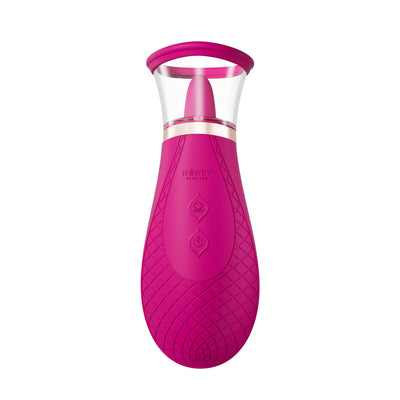
G-spot


 Introduction
 Download
Follow the 3-step guide below to download everything you need
Step 1


Vibe-Connect Cam Extension
Install Vibe-Connect Cam Extension on your Chrome/Edge/Opera
Click here to view the tutorial
Step 3


OBS Studio & OBS Toolset
Download OBS Studio and the Honey Play Box OBS Toolset for streaming integration
Click here to view the tutorial