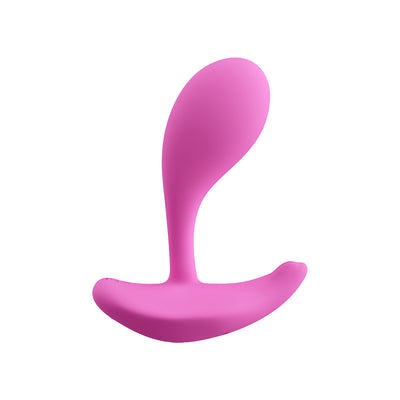
G-spot


 Introduction
 Download
HoneyPlayBox APP -
Everything’s Better When
Connected


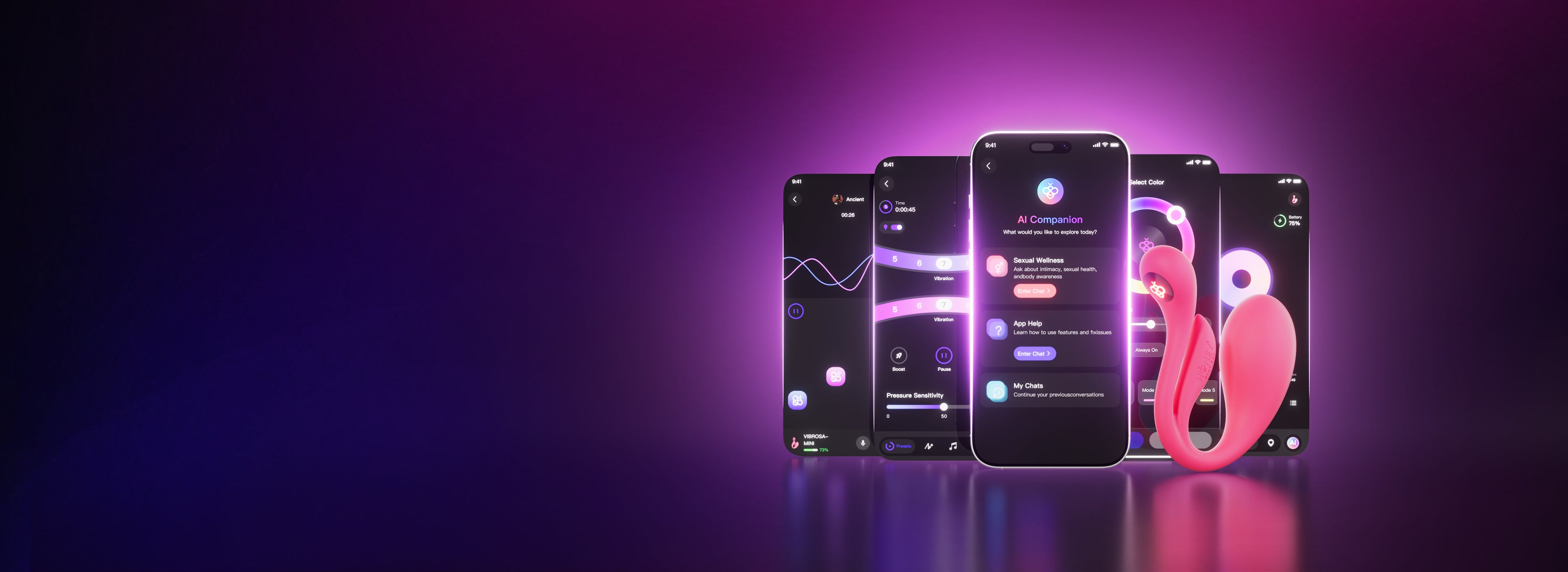
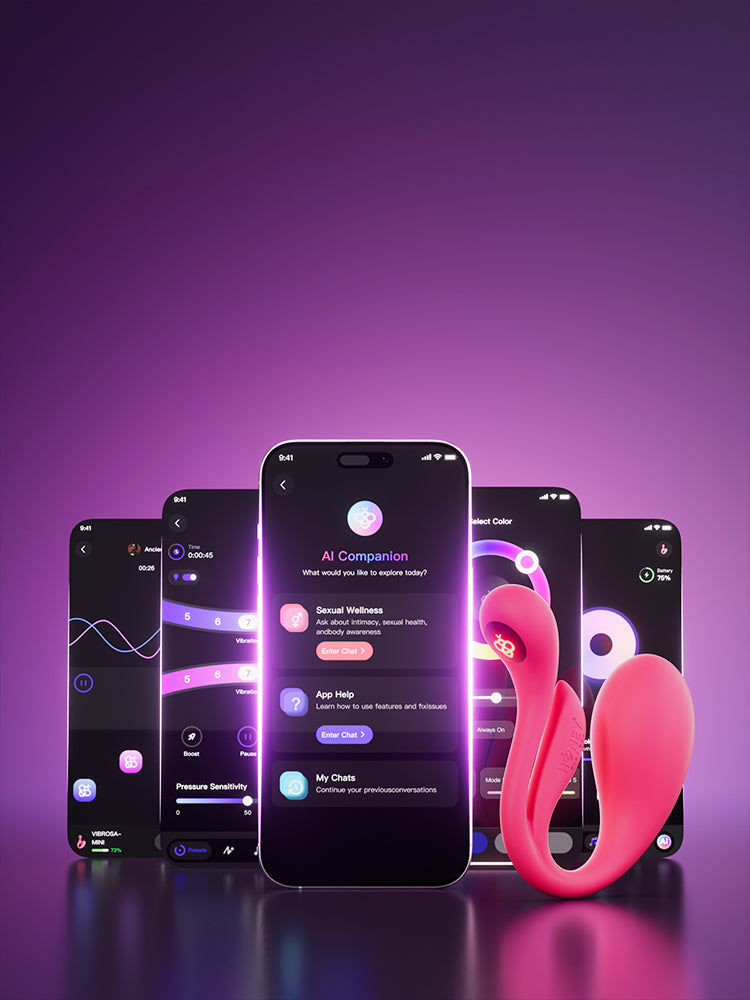
One Connection. Driven by Desire.
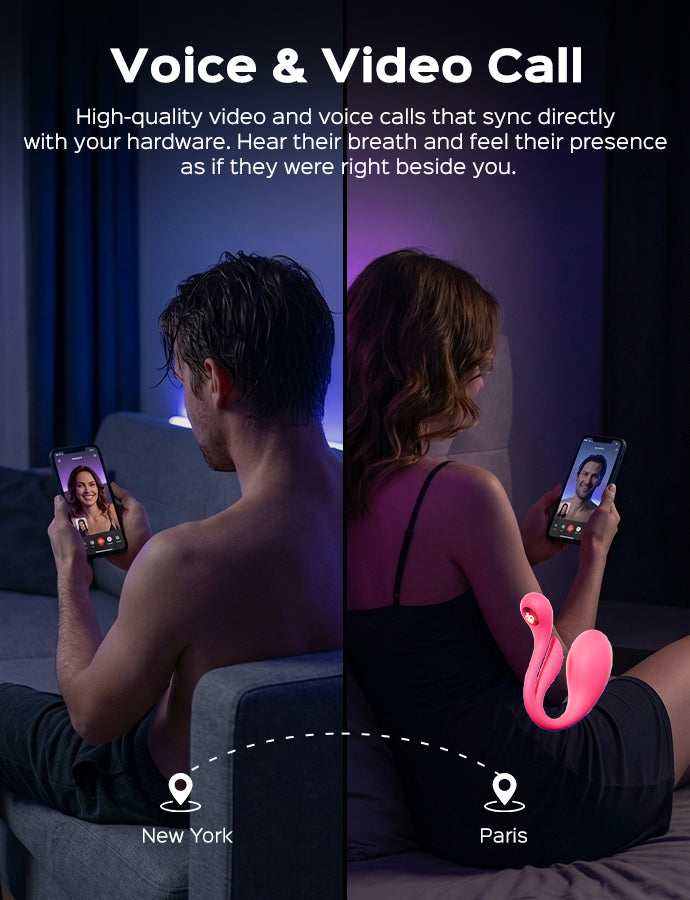
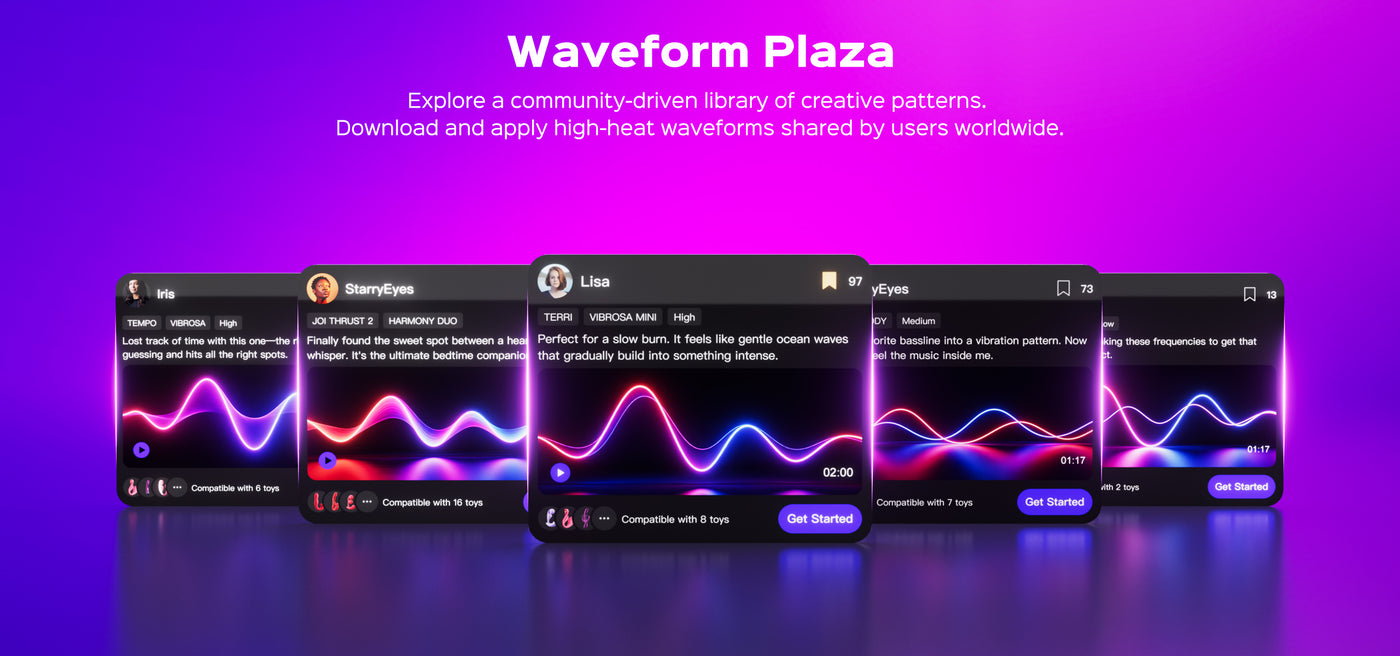
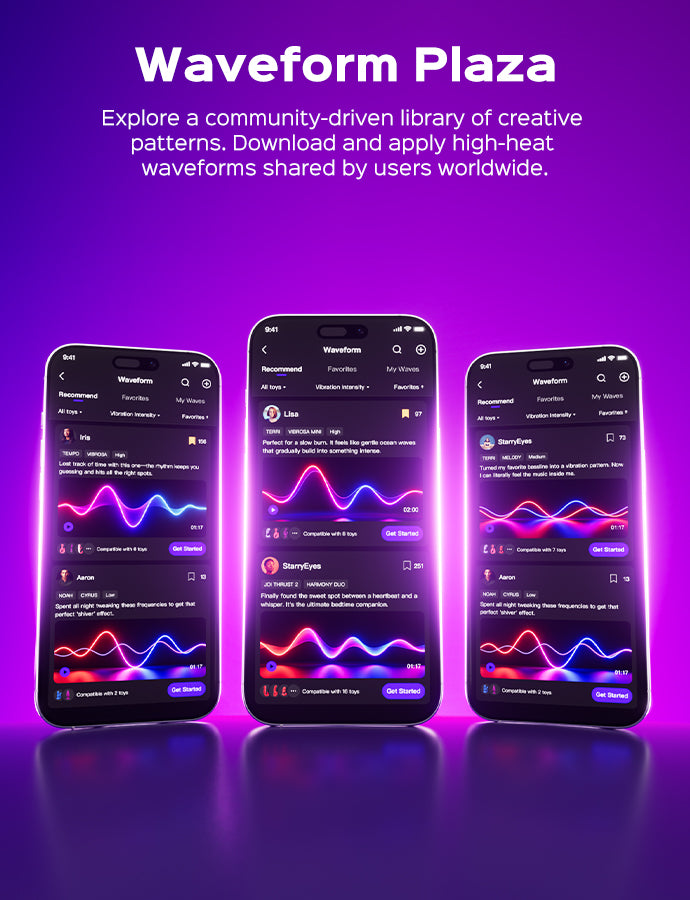
From AI companionship to global remote play — Explore an advanced ecosystem designed to redefine your sensory boundaries.


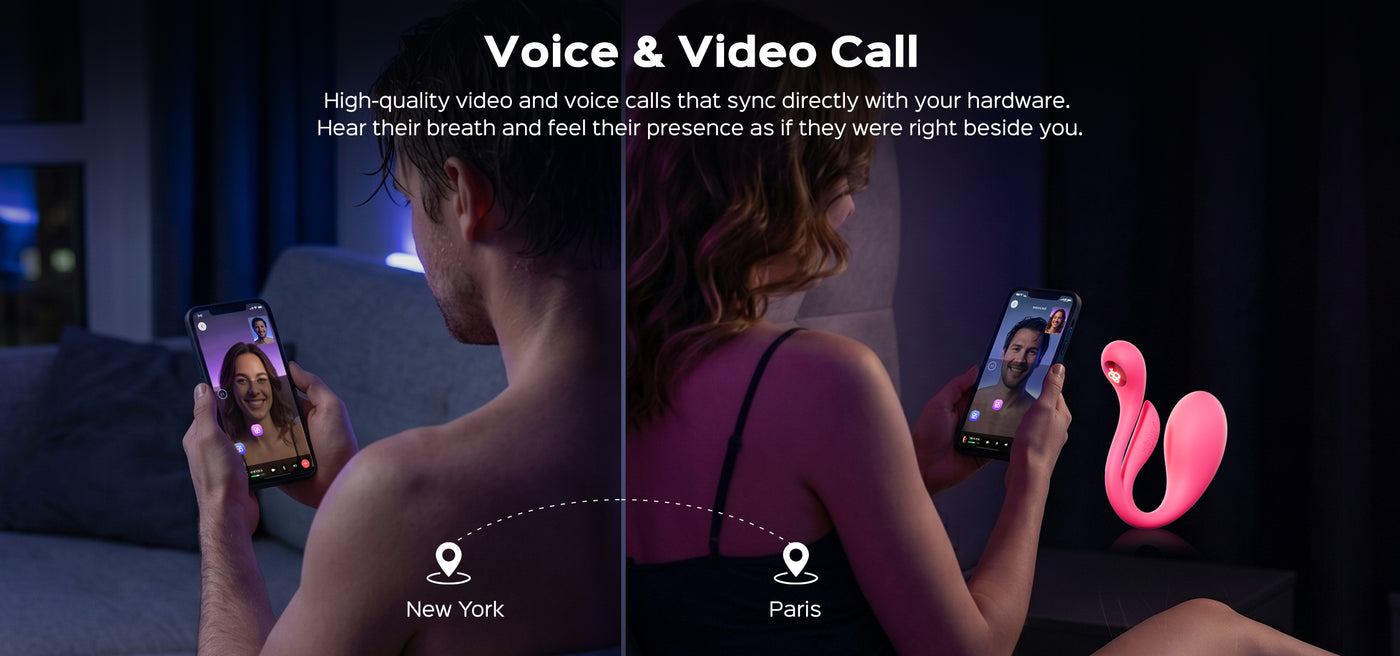
Music
Sync with local Music
Voice Command
Simple "Hi Honey" vocal trigger
Bio-Feedback
Real-time wellness tracking
Solo Immersion


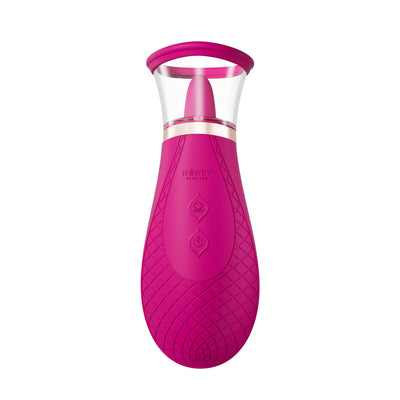
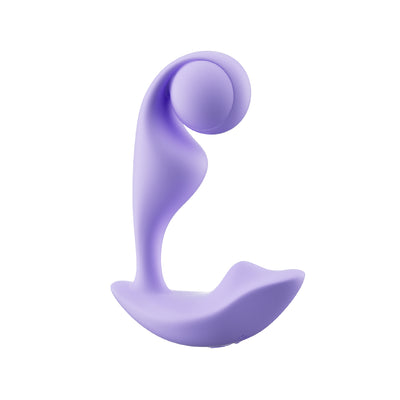
Recommended App Controllled Toys

FAQ
Please check the following:
Bluetooth Status: Ensure your phone's Bluetooth is turned on.
Power Supply: Check if the device is powered on and has sufficient battery.
Proximity: Ensure the device and phone are within range (1–3 meters recommended).
Interference: Check for interference from other nearby Bluetooth devices.
Single Connection: Verify if the device is already connected to another phone (it can only pair with one device at a time).
Reset: If the issue persists, restart both the app and the device, then try again.
Please check the following:
Battery Level: Ensure the device has enough power.
Status: Confirm the device is correctly plugged in and powered on.
Updates: Ensure you are using the latest version of the app.
Reconnect: Try disconnecting the Bluetooth and pairing again.
Activation: Some devices require you to tap "Start" within the app before they will respond.
This is usually caused by a Bluetooth signal interruption.
Please:Keep the phone and device close together (within 1–3 meters).
Avoid obstructions like walls or metal objects.
If the problem continues, check the device battery and re-pair the device.
Features & Settings
Please check the following:
Media Volume: Ensure your phone’s media volume is turned up.
Permissions: Check if the app has notification and audio playback permissions.
Voice Command: Ensure your pronunciation of the wake word "Hi, Honey" is clear.
Network: Try switching your network environment (some voice features require an active internet connection).
Music Mode accesses your phone's local music library.
Please ensure:Local Files: There are music files stored locally on your phone.
Permissions: The app has been granted permission to access your local storage/media library.
File Format: The files are in a supported format (such as MP3, AAC, or WAV).
On the login page, tap "Forgot Password." Enter the mobile number or email address linked to your account. The system will send a reset link or verification code; simply follow the prompts to complete the password reset.